OnliKit tool
Try the Image to PDF now — free, no signup
Convert Images to PDF Online Free — Merge JPG & PNG in Seconds
- Published On: April 7, 2026
- Category: pdf
Convert Images to PDF Online Free — Merge JPG & PNG in Seconds
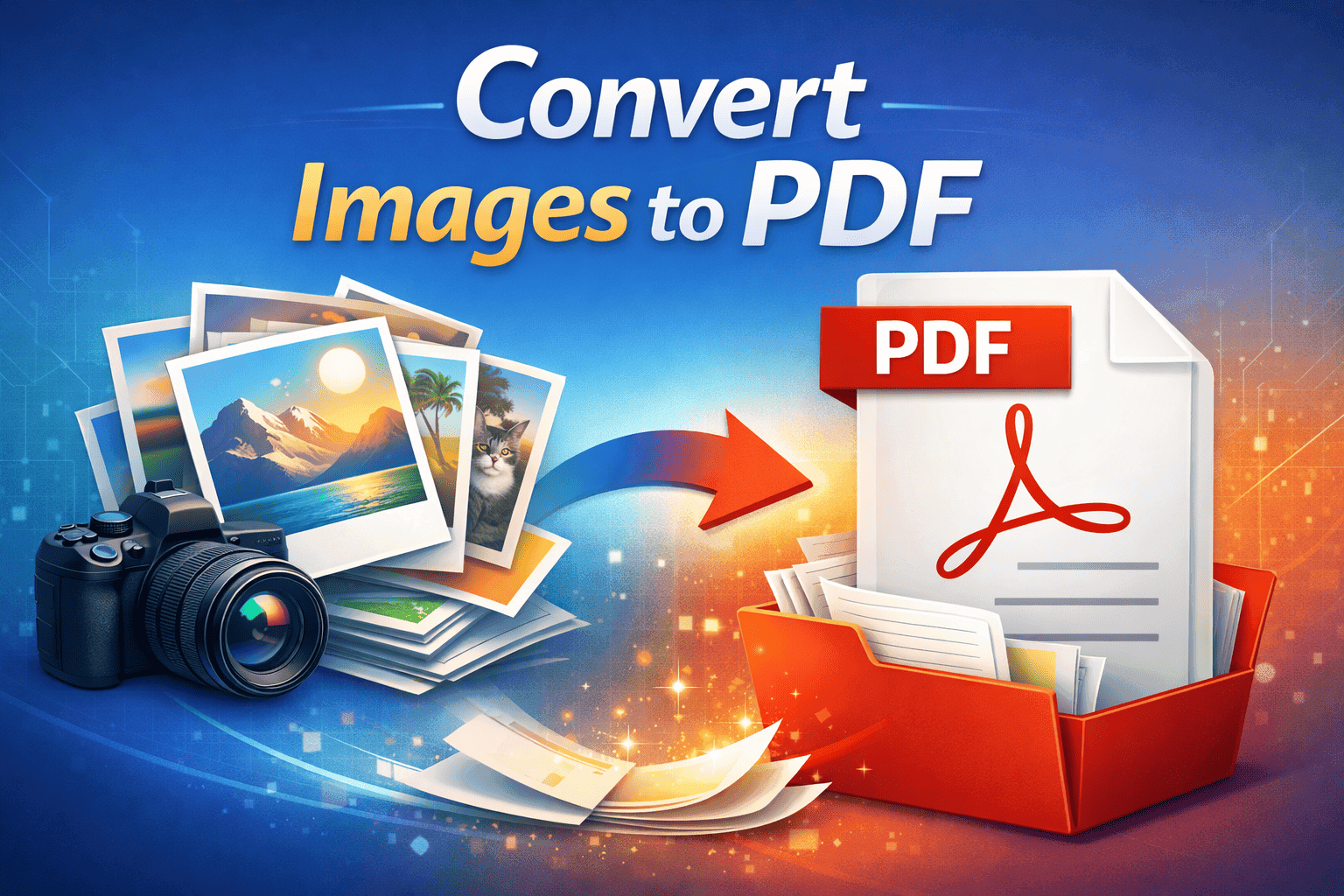
You need one PDF from several photos or screenshots. Onlikit’s Image to PDF tool merges JPG, PNG, WebP, and common formats in your browser: upload, drag pages into order, adjust layout, and download. No desktop app and no account.
If you already have a PDF and only need pictures of each page, the reverse workflow lives in PDF to Images. For everything else in one place, browse the tools directory.
Why merge images into a PDF?
A single PDF is easier to email, print, and archive than a loose stack of files. Recipients see one attachment with a clear page order, which cuts confusion when you submit homework, expense scans, or client proofs.
- Keep many images in one file
- Preserve reading order when you share
- Look more polished than a zip of photos
- Open reliably on phones, tablets, and desktops
How to convert images to PDF on Onlikit
- Open Image to PDF.
- Upload one or more images (JPG, PNG, WebP, and more).
- Reorder thumbnails by dragging until the sequence matches how you want it read.
- Set page size, orientation, and margins to match print or screen use.
- Click Convert to PDF and download when processing finishes.
No command line or plugins—just the browser you already use.
Common use cases
- School and work: Turn assignment photos or signed forms into one submission file.
- Money and admin: Bundle scanned receipts or ID images for expense or HR flows.
- Sales and design: Send a single portfolio or product sheet instead of ten attachments.
Tips for cleaner output
- Start from the highest-quality originals you have; heavy compression before upload makes text fuzzy.
- Crop borders or stray UI chrome before converting if the PDF should look formal.
- Align orientation (portrait vs landscape) with how you will print or present.
- If you upload many files at once, name them in rough order first, then fine-tune with drag-and-drop.
Is it safe to convert images to PDF online?
Onlikit is built for a short path: upload, convert, download. Do not use any online converter—including ours—for highly sensitive documents you would not email; for anything regulated or confidential, follow your org’s policy and prefer offline tooling.
Processing aims to be fast and lightweight; treat the flow like sharing a file through any web app you trust for that kind of content.
Works on phone and desktop
Use any modern browser on Windows, macOS, Linux, Android, or iPhone. That matters when you photograph paperwork on your phone and want a single PDF before you send it.
Related: step-by-step guidance with examples also appears in the longer walkthrough Convert PDF pages to images if you need the opposite conversion later.